
Customized training to create and deliver effective virtual or hybrid business presentations to executives
Does your team present analysis and persuade others to action?
In 2020 the world of business presentations changed forever. Virtual and hybrid presentations will be the way we communicate with peers and executives. The basic skills your team learned in 2020 won’t be enough in the future.
As a director, VP, or executive in charge of professionals who present analysis and persuade others, you need your staff to prepare presentations that contain engaging content and leverage the platforms to deliver effectively to the audience.
- Your staff create and deliver executive or sales presentations virtually and in hybrid meetings In a customized course
- I can teach your staff to prepare presentations that contain engaging content and leverage the platforms to deliver effectively to the audience
- The course covers repeatable approaches and the skills in Excel and PowerPoint so your staff know “what” to do and “how” to do it
- The training is delivered virtually so scheduling is easier and the training is more effective
- This practical, focused training provides a positive ROI within a few months
Customized course with makeovers of their own slides convinces participants they can improve
I don’t deliver canned sessions. I discuss your goals, current issues, and analyze sample presentations from the attendees. I tailor the content to what your group needs to focus on and the time allotted for the course. I prepare makeovers of some of the slides so the participants see how the training will improve their executive presentations immediately. The makeovers are always the hit of the session, that’s why I make them available to the participants so they can use the makeovers as a starting point.
A repeatable approach to creating effective presentations
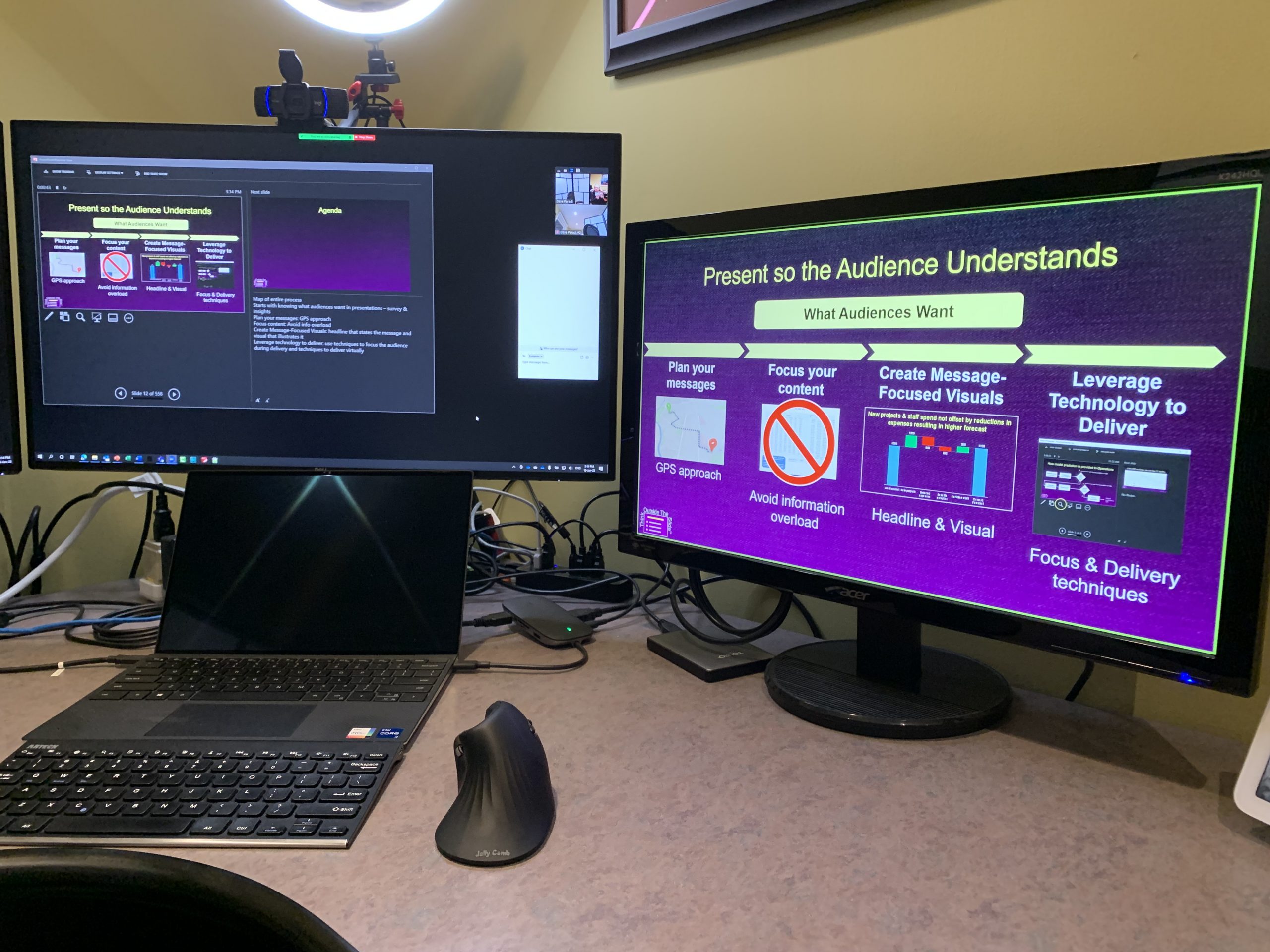
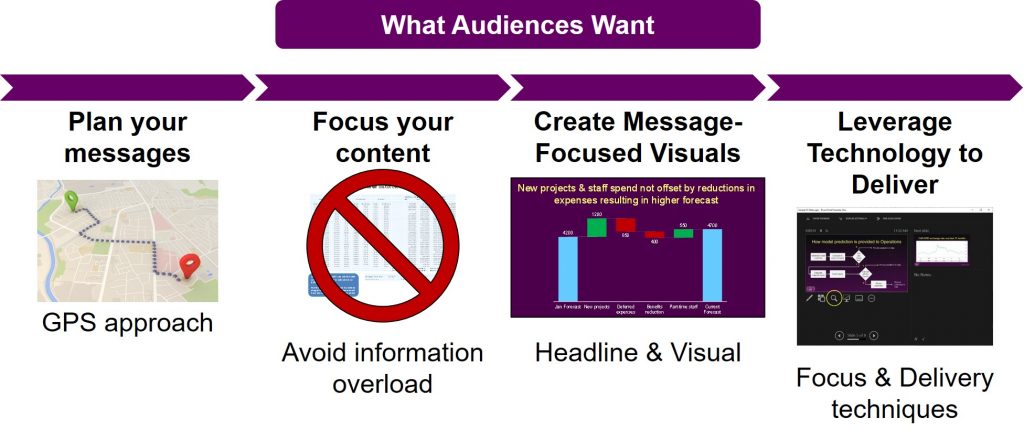
My course teaches your staff a repeatable process they can follow to create presentations that the audience understands and can act on. Here’s a map of the entire process.
Insights on what audience want from presenters
The starting foundation is understanding what audiences want from presenters. I share the results of the surveys I do of audience members and the insights all presenters need to understand.
The GPS approach to plan your content
With that foundation in place, the first step is to plan the content of the presentation. I teach my GPS approach that applies the concept of a GPS unit to determine the messages that will move the audience from where they are to where you want them to be at the end of the presentation.
Address information overload
The single biggest issue in presentations today is information overload. I share practical strategies to focus the content of the presentation while still making the details easily accessible in case the executives ask for them.
Select visuals based on the message they communicate
Once the content is focused, I explain how to create a message-focused visual slide. The headline summarizes the message and the visual illustrates it. I teach an approach for selecting the right visual that any business professional can use because it does not require any design background. I use the makeovers of their own slides to show the participants how the ideas apply to the topics they present.
Leverage PowerPoint and virtual platforms to engage the audience during delivery
Once the slides are created, I explain how to leverage PowerPoint to focus the audience during the delivery. These ideas are built into the slides. Then I cover specific techniques in PowerPoint and the virtual platforms for delivering the slides and include other content so the audience is engaged.
The approaches and processes are practical and the participants can immediately apply them to their own presentations.
A typical course includes eight 90-minute sessions. The first four sessions cover the approaches and processes described above. These are best thought of as the “what to do” sessions. The next four sessions are the “how to do it” sessions. In these sessions the participants learn the skills in Excel, PowerPoint, and the virtual platforms that they need in order to create and deliver effective presentations using the tools they already use.
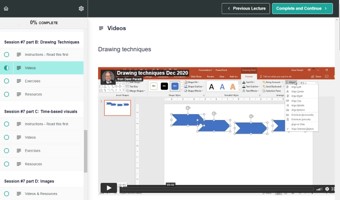
Participants watch videos to learn techniques at their own pace
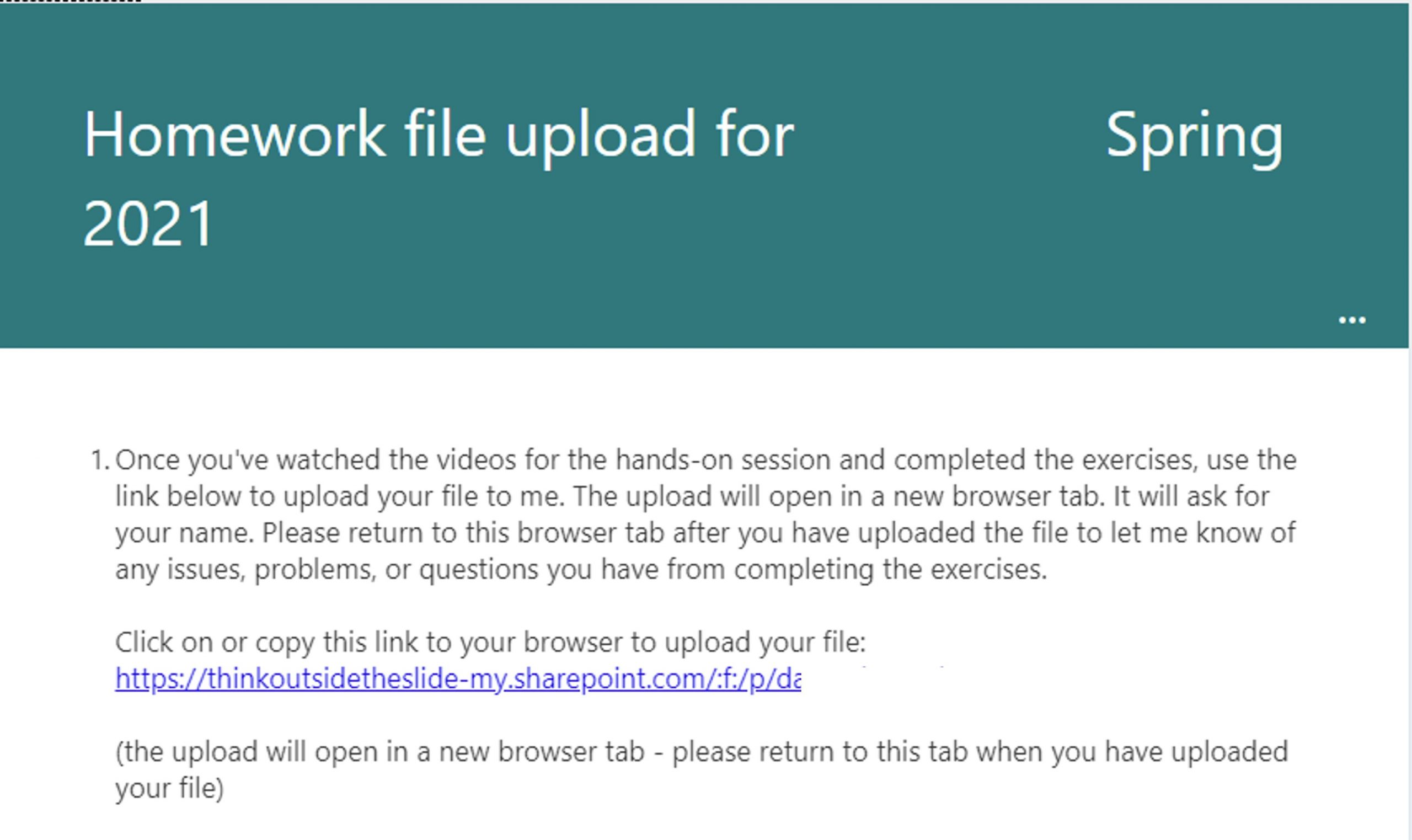
Participants apply the techniques in exercises and submit them with questions or challenges
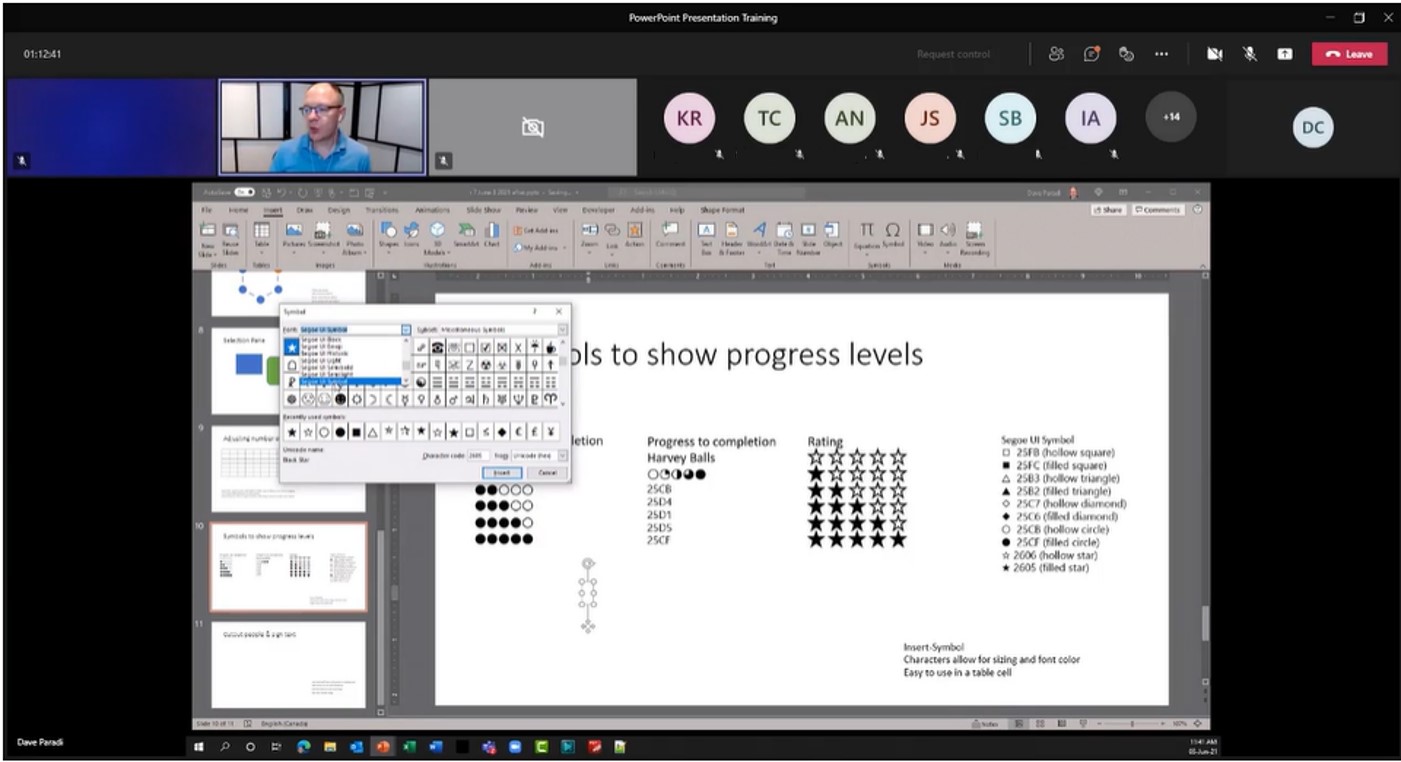
The live session reviews homework, answers questions, and extends the learning with advanced techniques. The session is recorded and available for review later.
If your team needs to focus on just some parts of the process, I can customize a program to meet your needs. If you want your team to get better at virtual delivery of presentations, I have a program that goes deep on techniques for virtual delivery.
Advantages to virtual delivery of the course in multiple 90-minute sessions
Easier to schedule
By holding eight 90-minute sessions instead of two full days of training it gives you tremendous flexibility in scheduling the training so everyone can attend. No more struggling to find a full day or two that everyone can make it and having last minute cancellations. Schedule it once per week for eight weeks and it is much easier for everyone to fit it in their calendar.
No travel costs
Virtual sessions allow staff in different locations can attend without additional travel costs. If you have a distributed team this means everyone can attend without losing days to travel. If you have a team that works from home some or most of the time, they can attend easily.
Uses your platform
I deliver sessions using Microsoft Teams, Zoom, or Webex, whichever platform your organization uses. Participants don’t have to learn a new platform and you don’t need IT involved to get everyone up and running.
Participants are engaged
These are much more than “sit and hear Dave talk” sessions. The virtual platform allows me to engage the participants with polls, exercises to reinforce the learning, short video clips, content from the web, and content from other apps such as Excel. Participants are actively engaged which keeps the learning interesting and practical.
I walk the talk
I demonstrate the ways to engage an audience using the exact techniques I teach. Participants see how they are engaged and want to use what I teach them in their own presentations. This isn’t just theory, these are practical, real-world skills they see me use in the sessions.
Software techniques taught so they are used afterwards
I take a blended approach to the teaching of techniques for Excel, PowerPoint, and virtual delivery. The participants watch videos of me teaching the techniques, complete exercises that apply the techniques to real-world situations, and attend a review session where we can discuss what was learned and help with any challenges and extend the concepts with more techniques. This is a much better transfer of knowledge so the techniques are used after the session.
Private eBook of resources
I provide a customized eBook with links to video and written resources that the participants can use to further their learning at any time. They can save the PDF and access it from any device. They don’t have to remember a login, they can just open the PDF, search for the topic they are looking for, and click on the video that shows them the technique they want to learn or review. I see participants watch the videos months after the program as they keep building their skills.
Virtual training delivers more learning and more value
My virtual training approach delivers more value and more learning than I was able to deliver in my in-person workshops. Don’t take my word for it, here’s what two senior leaders who have experienced both had to say:
From students to professionals, this should be required training. Like I’ve said before, this is the standard we use when presenting. Very helpful!Tom S., Director of Finance, Energy Company, Illinois
The course is perfectly paced – by conducting 90-minute sessions each time it allows students to keep up with the work and accommodate busy calendars. Breaking down the two-day workshop is a brilliant idea and your execution has been very powerful. I already see a difference in my team’s presentations and see the learning put to work! I would like to thank you for all the work you are doing in our “new normal, virtual world.”Olga K., Senior Director, Pharma company
(You may be wondering if I also do on-site training. The first four sessions could be done on-site in Canada and then virtual sessions for the last four. It can work, but it is harder to schedule, it won’t include recordings of the first four sessions, and I don’t think the learning your staff receives is as good. If you want part of the course on site, we can discuss that option.)
Participants use what they learn in their own presentations
Participants use what they learn because it is practical and real-world applicable. A month after that program and the day before I started another program with her group, Olga wrote:
“Folks received great benefits from attending your training, and another 11 from my team are starting with you tomorrow. I see significant improvement with the presentations already, and many follow your rule – outline first, get feedback, then work on the slides in PowerPoint… Thank you again for teaching!”
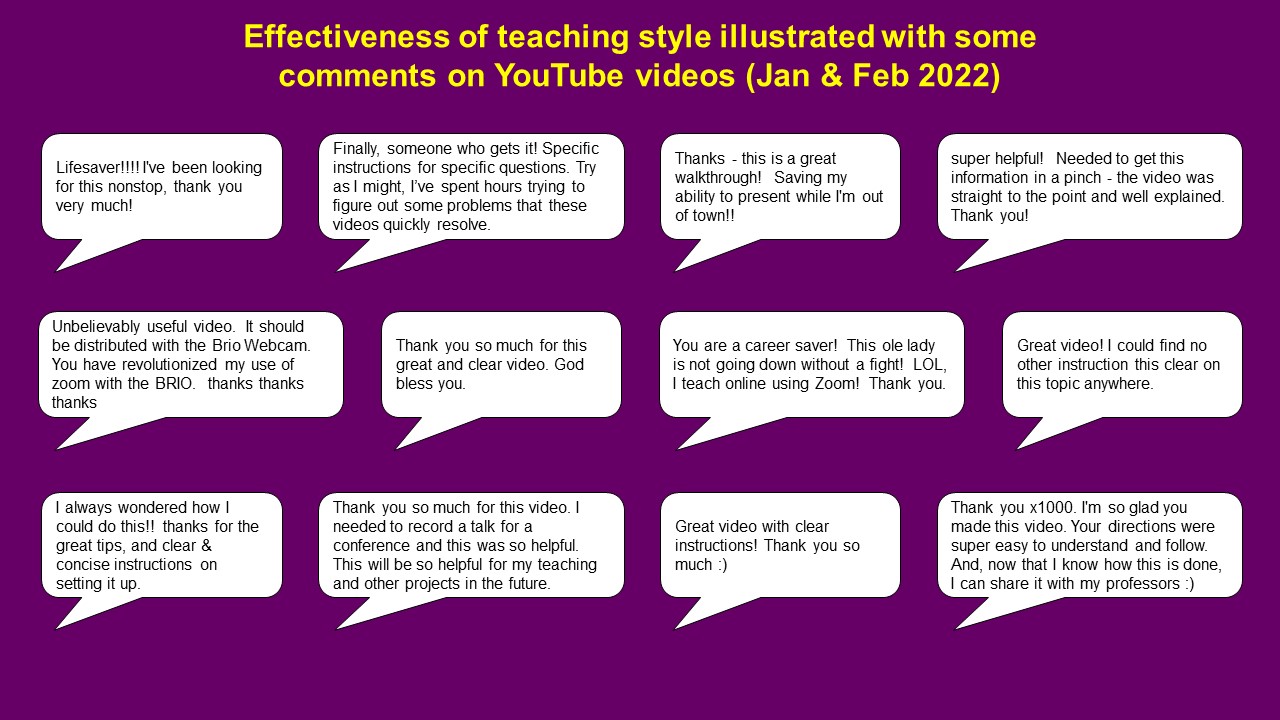
Here’s what some participants have said about how practical the virtual training is (expand each link to see the full quote):
How this training is different
My clients tell me that my customized executive presentation training workshops are unique. They are not traditional presentation skills training with videotaping of delivery followed by feedback. I don’t do basic Excel and PowerPoint skills sessions (I refer participants to online tutorials that cover the basics). And I don’t do design training. I provide skills that your staff wishes they learned in school or their professional designation courses. This is training on how to understand what audiences want, structure an effective message, eliminate the overload of information that confuses executives, select and create effective visuals to support your message, prepare the presentation efficiently using the software you already have, and deliver the presentation effectively using a virtual platform. The skills are practical, required for success in today’s business world, and relevant for data or information intensive roles.
Hiring an expert is an investment that pays off within a few months
As a senior manager or executive, you understand that hiring an expert is an investment, not an expense. You expect the investment to pay off quickly. Investing in this training for your staff will have a positive ROI in well under a year. The time your staff spends in the workshop will pay back within a few months with the time they save preparing executive presentations more efficiently. The cost of the course is paid back within a short time from the hours you and others save not having to revise slides and from the benefits to the organization of executives making quicker decisions from clear presentations.
I have a simple fee structure so it makes the decision to set up a session easy. The fee for me to customize and deliver a session is based only on the number of sessions in the course. The most popular option is the eight-session course because it gives the best results. I can accommodate up to 25 people in a course. Simple and easy to budget for.
If you haven’t already noticed, I live in Canada. This may be a concern if you are in the U.S., but you don’t need to worry. I am familiar with the forms your accounting department will ask for, like the W-8BEN, so I’ll make sure that this is smooth and easy for you. With the course being delivered virtually, there are no border challenges to deal with. I know you want the least hassles possible, so I’ve done the work to make sure that booking a course is simple and easy.
I am a recognized expert in communicating data effectively to executives
I have authored or co-authored ten books on effective presentations. I am one of fewer than ten people in North America recognized by Microsoft with the Most Valuable Professional Award for my contributions to the PowerPoint, Excel, and Teams communities. My articles and videos on virtual presenting have been viewed over 4.8 million times and liked over 17,000 times on YouTube. My thoughts and ideas have appeared in publications all over the world. I have co-authored a case at the Queen’s Smith School of Business and my information gets used by universities such as UC Berkeley, Vanderbilt, Southern New Hampshire University, Baruch College at CUNY, and many others in their coursework and as teaching reference materials. I was invited to be one of the first expert contributors to the Microsoft Office Creators video program that supplies videos to PowerPoint and Excel users through the Help function in the program.
I have spent over 24 years developing approaches, systems, structures, and tools for effectively communicating to executives and have delivered over 500 training sessions. I have a degree in Chemical Engineering and an MBA so I can understand the financial or technical information being presented by your staff and show them how it can be presented more effectively. When I present the makeovers during the day, I commonly hear that people think I have worked for the company because I present as if I know a lot about what they do. I have the background to quickly figure out the key messages and communicate them.
Call or email today to get started
You know the pain presentations are today in your group. You can relieve that pain with a focused, practical training course. Email me or call me today at 905-510-4911 (Eastern time zone) so we can start discussing how to customize the session for your group.